
Connect Athena
Put Athena in the AI you already use
Athena directs, your AI does the work. Add her once in ChatGPT, Claude or Grok Bot, sign in, and set up your first job.
Athena URL
https://app.meetathena.io/mcpInclude the https://. The URL won't connect without it. Paste it exactly as shown.
Every Athena role is live in your workspace.
ChatGPT
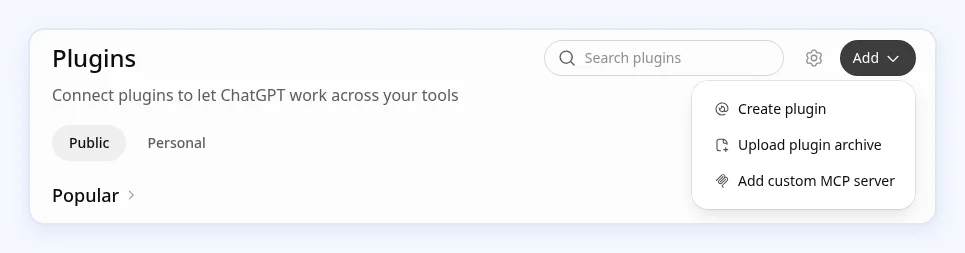
- In ChatGPT on the web, go to Plugins.
- Select Add, then Add custom MCP server.
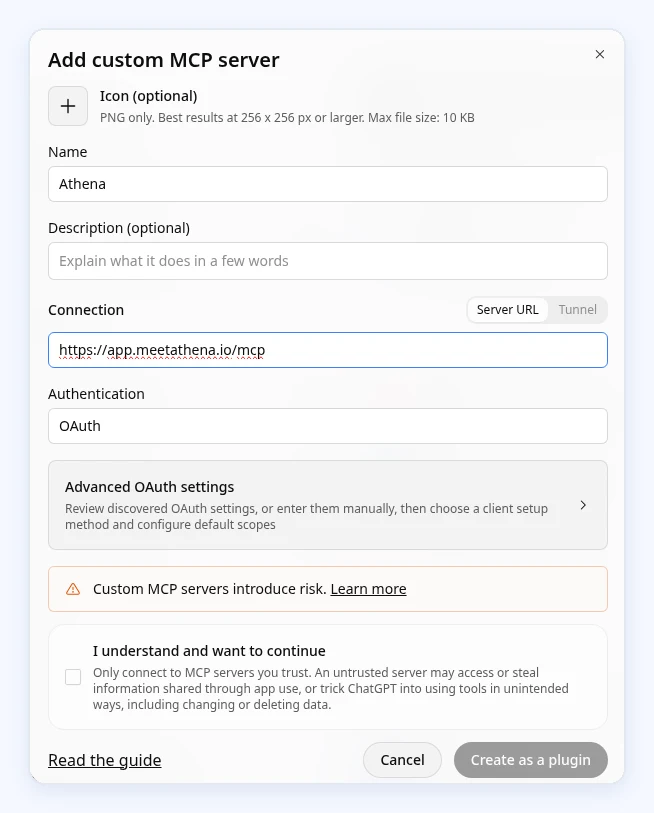
- Name it Athena. Under Connection, paste the URL:
https://app.meetathena.io/mcp - Set up authentication with sign-in (OAuth), tick I understand and want to continue, then select Create as a plugin.
- Sign in with your Athena account when the sign-in window opens, and approve the access shown.
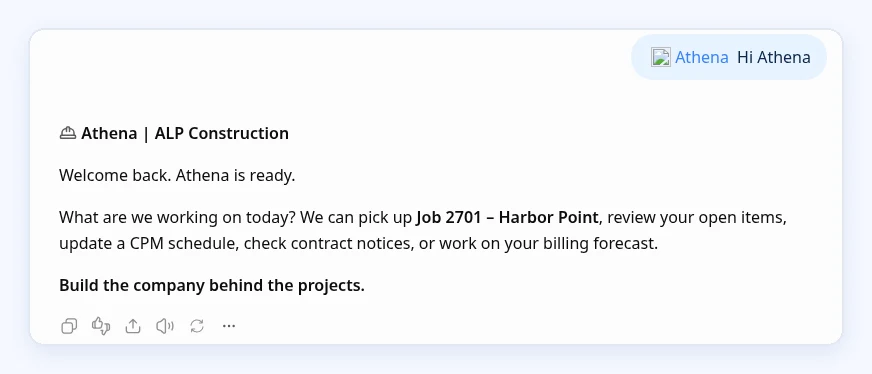
- Start a new chat, type @ and pick Athena, then send your first message: She'll ask a few questions about the job and set it up with you.
Athena, let's set up my first job.
Using Codex? It runs inside ChatGPT, so once Athena is connected in ChatGPT she's ready in Codex too.
Source: OpenAI Help Center: custom MCP apps in ChatGPT. On Business, Enterprise and Edu plans, an admin or owner may need to add it for the workspace.
Claude
- Go to Customize > Connectors.
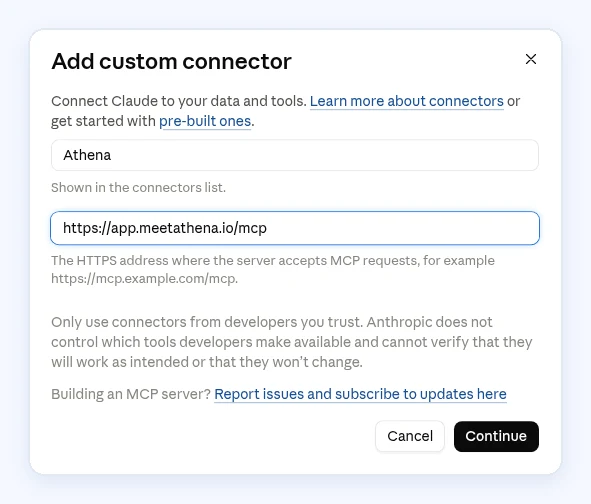
- Click Add, then Add custom connector.
- Name it Athena and paste the URL, then click Continue:
https://app.meetathena.io/mcp - Follow the sign-in setup Claude shows next, then click Add and Connect.
- Sign in with your Athena account when the sign-in window opens, and approve the access shown.
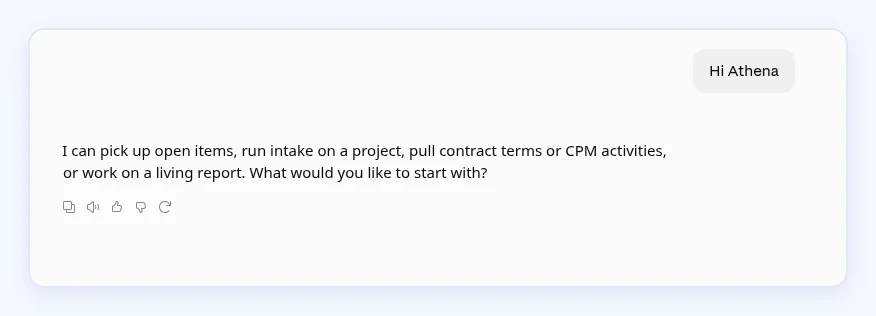
- Send your first message: She'll ask a few questions about the job and set it up with you.
Athena, let's set up my first job.

Source: Claude Help Center: use connectors and custom connectors using remote MCP. On Team and Enterprise plans an Owner first adds it in Organization settings > Connectors; members then click Connect.
Grok Bot
- Tell your Grok Bot:
Add Athena at https://app.meetathena.io/mcp - Click the connect card and sign in once with your Athena account.
- Send your first message: She'll ask a few questions about the job and set it up with you.
Athena, let's set up my first job.
Source: Grok Bot adds custom servers through the chat itself, per Cursor staff on the Cursor forum. There is no settings form for the URL.
Troubleshooting
If Athena doesn't answer, or you see a sign-in or tool error, reset the connection in this order:
- Delete duplicate entries. Remove every Athena entry from your AI tool's list of apps, plugins or MCP servers, so none are left over from earlier tries.
- Re-add Athena with the full URL, https:// included:
https://app.meetathena.io/mcp - Run the Authenticate step. ChatGPT: complete the sign-in when you create the plugin. Claude: click Connect. Grok Bot: click the connect card and sign in.
- In a new chat, send
Athena, let's set up my first job.
Still stuck? See Support.